TG - How to add USDC (Polygon) to your Tangem wallet
Before commencing this guide, please ensure that you have the Tangem app open, your have your Tangem card with you, and that the software is updated to the most recent available version.
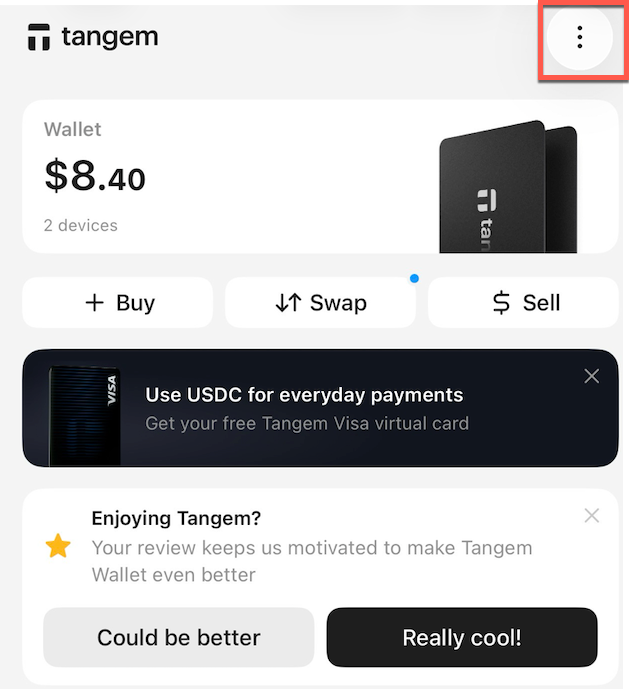
- Open the Tangem app on your phone and click on the 3 dots in the top right of the screen
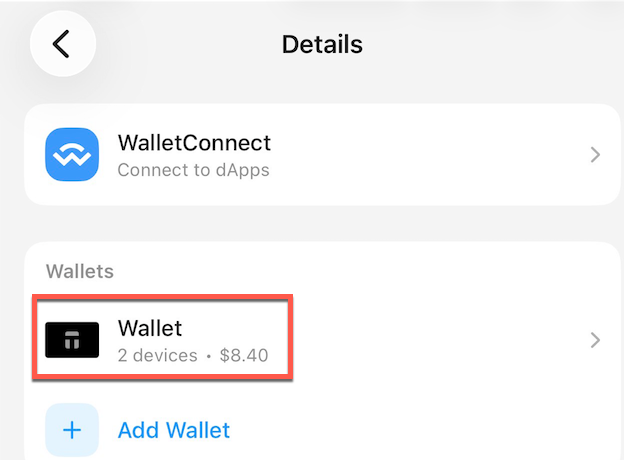
- Click on the wallet you wish to use for the Polygon network
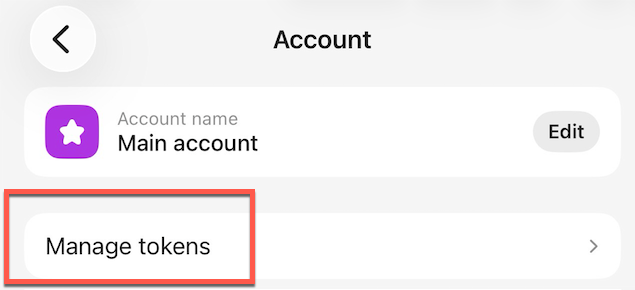
- Click on 'Manage Tokens'
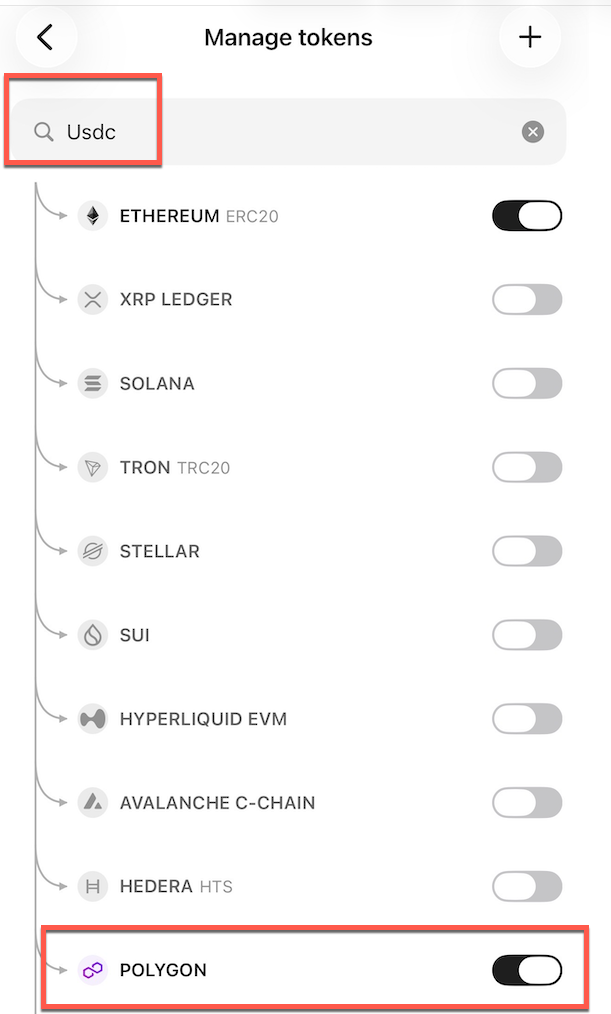
- Search 'USDC'
- Ensure that you've toggled it ON for the Polygon network
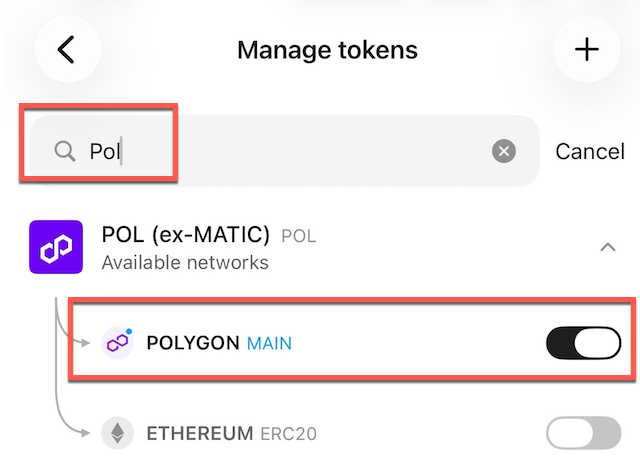
- Search for 'pol'
- Ensure that 'POL' is toggled ON for the Polygon network