LG - How to add a Polygon account to your Ledger
Before commencing this guide, please ensure that you have the Ledger Wallet app open, your ledger device os connected to your computer, and both the software & firmware up updated to the most recent available versions.
- On the Ledger Wallet app on your computer, click 'Account'
- Click on 'Add Account'

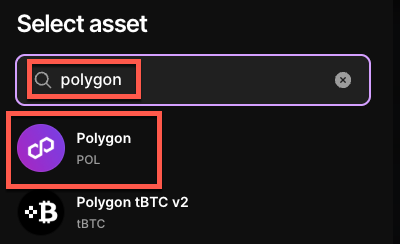
- Search 'Polygon'
- Click on 'Polygon (POL)'
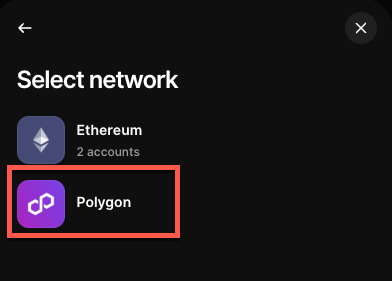
- Click on 'Polygon'
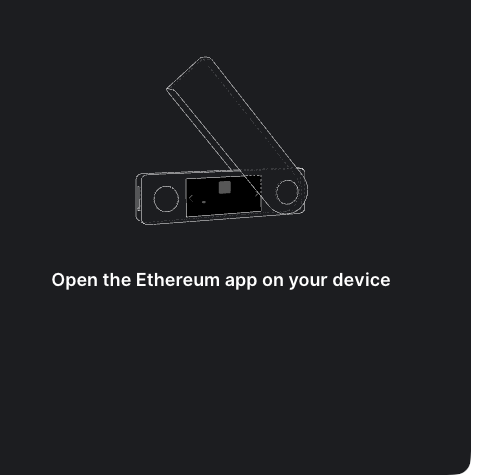
- Follow the prompts on your Ledger device
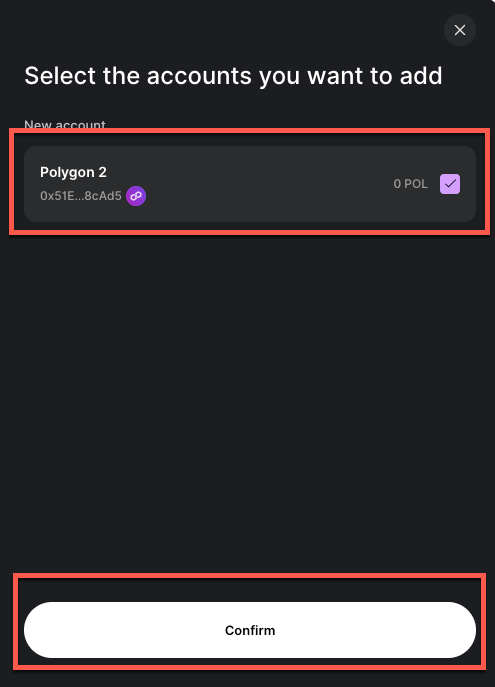
- Add a new Polygon account be checking the box under 'New account'
- Click on 'Confirm'
- Click 'Close'
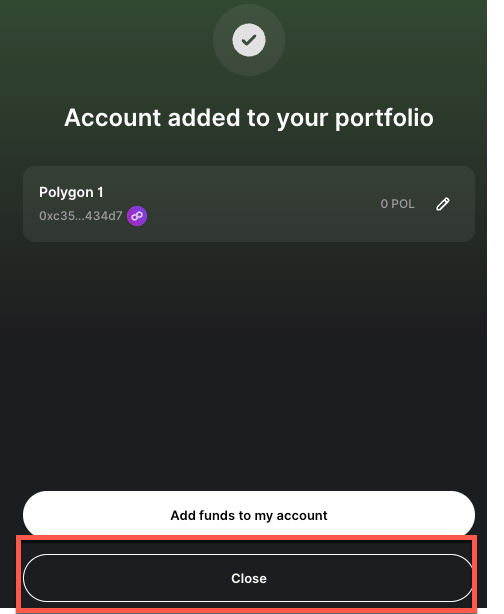
- You should now see your new Polygon account under the 'Accounts' tab